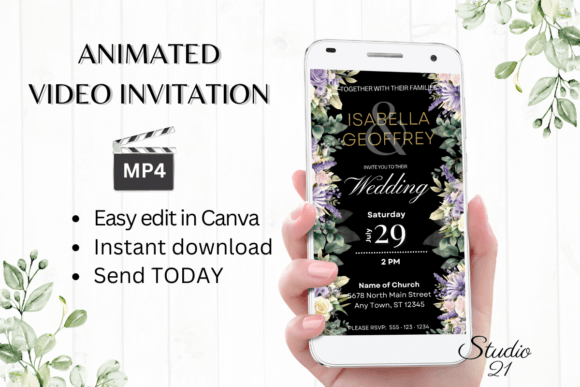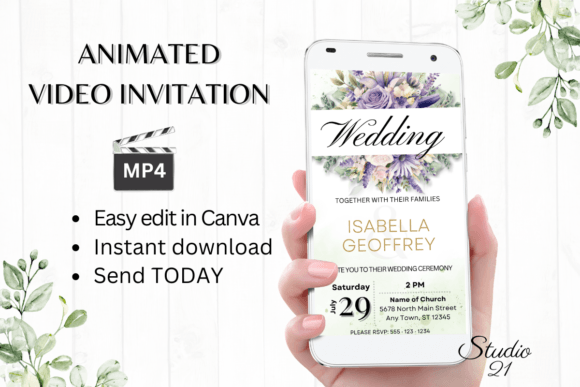
Digital Wedding Invitation W8416: Modern Animated Elegance
Planning a wedding involves countless details, and the invitation sets the tone for everything that follows. The Digital Wedding Invitation W8416 offers a modern solution that blends elegant design with practical functionality. This isn't just another static template—it's an animated video invitation designed for couples who want their save-the-dates and formal invites to feel fresh, personal, and effortlessly shareable.
What Makes This Digital Invitation Stand Out
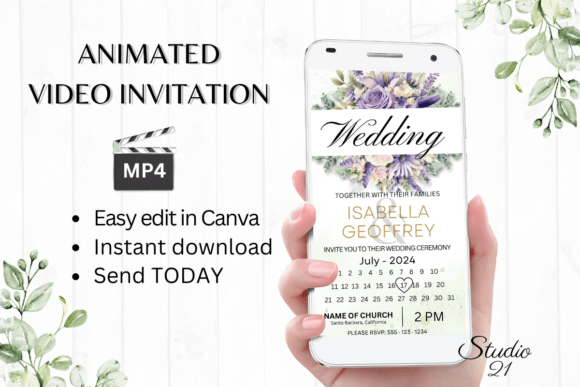
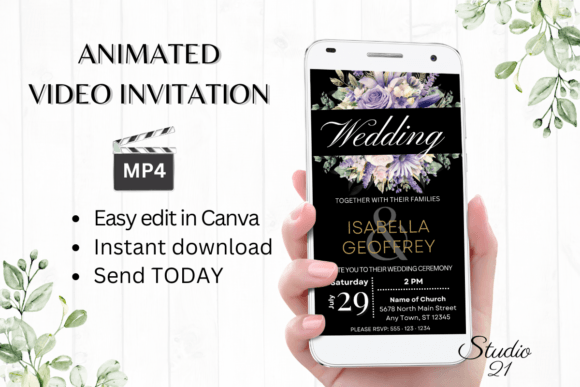
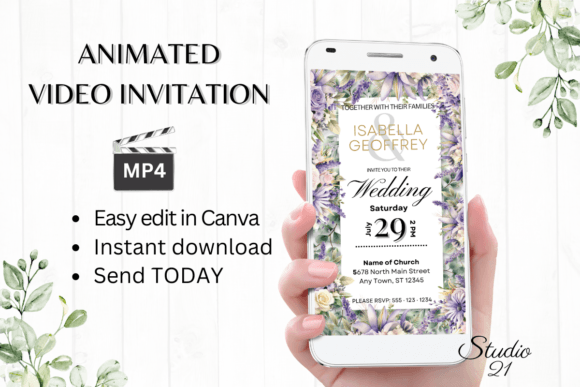
The W8416 template brings a polished, contemporary aesthetic to wedding communications. Its animation style feels refined rather than flashy, using subtle motion to guide the viewer's eye through essential details like names, dates, and venue information. The visual personality strikes a balance between sophistication and warmth—think clean typography paired with thoughtful transitions that feel celebratory without being overwhelming.
What really sets this apart from traditional paper invitations or basic e-vites is the animated format. When your guests open the file, they experience a dynamic reveal rather than a static image. That moment of movement creates an emotional connection that a flat PDF simply can't match. The template's design choices—its pacing, color palette options, and typographic hierarchy—work together to make each piece of information land with intention.
How the Editing Process Actually Works
One of the most practical advantages of Digital Wedding Invitation W8416 is the editing workflow. You receive a PDF containing a direct link to a Canva template sized at 1080x1920 pixels—the standard dimensions for mobile-optimized video content. There's no software to install, no fonts to download, and no design expertise required.
Once you open the template in Canva, you can personalize nearly every element:
- Text customization — Change the wording, add or remove sections, and adjust font styles, colors, and sizes to match your wedding palette
- Animation adjustments — Modify the movement and transition styles if you want a different pacing or energy
- Text effects — Apply visual treatments that complement your overall aesthetic vision
- Export as MP4 — Download the finished animation as a video file ready for sharing
The entire process—from opening the template to having a finished, shareable video—can take minutes rather than days. You won't wait for proofs or back-and-forth revisions with a designer. The control sits entirely in your hands, and you can revisit the template anytime to make changes before or after sending.
Sharing Your Invitation Across Platforms
The MP4 format is where the Digital Wedding Invitation W8416 really proves its versatility. Once you've downloaded your personalized video, distribution is straightforward. Send it directly through text messages, WhatsApp, iMessage, Messenger, or any messaging platform that supports video files. For guests who prefer email, Canva also provides a shareable link you can include in a digital correspondence.
This format solves a real problem that couples face with digital invitations. Different guests use different platforms—your college friends might live on Instagram while your parents prefer email. An MP4 file works universally. There's no app to download, no account to create, and no compatibility issues across devices. Your grandmother on her tablet and your best friend on their smartphone will both see the same polished animation.
Design Considerations and Practical Tips
From a design perspective, animated invitations like the W8416 template influence how recipients process information. The motion creates a natural reading sequence—eyes follow the animation, which means you can control the order in which guests absorb details. This is particularly useful for wedding invitations where you want the couple's names to register first, followed by the date, location, and RSVP information.
When personalizing your template, keep a few practical observations in mind:
- Color consistency matters — Match your text colors and any customizable elements to your broader wedding palette. This creates cohesion across your invitation suite, website, and day-of materials.
- Readability over decoration — Choose font styles that remain legible at mobile screen sizes. Script and handwritten styles look beautiful but should be reserved for accent text rather than critical details like addresses or times.
- Test before sending — Preview your MP4 on both a phone and a computer screen. Colors and text size can appear differently depending on the device, which the template's documentation explicitly notes.
- Keep it concise — Animated formats work best when the content is focused. Resist the urge to add extra text blocks that might clutter the visual flow.
Who Benefits Most From This Format
The Digital Wedding Invitation W8416 template serves a specific audience well. Couples planning modern, design-conscious weddings will appreciate the aesthetic quality. Those organizing destination weddings or events with geographically scattered guest lists will find the digital-first approach genuinely practical. Budget-conscious planners get professional-grade animation without the custom design price tag.
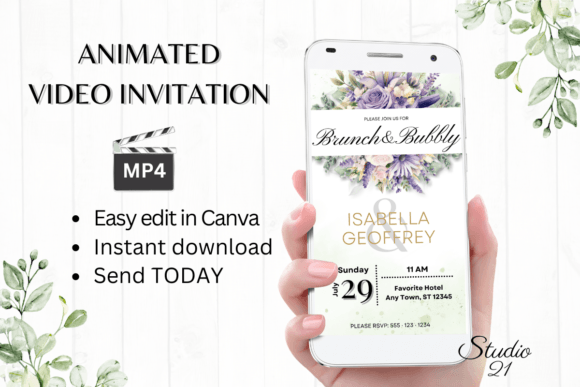
It also works beautifully for related events—engagement parties, bridal showers, rehearsal dinners, and post-wedding celebrations. The template's flexible editing structure means you can adapt it across multiple touchpoints in your wedding journey while maintaining visual consistency. That kind of brand identity—yes, even weddings have a brand identity—creates a cohesive experience from the first save-the-date to the thank-you cards.
Final Thoughts on Going Digital
Paper invitations have their place, and tradition carries weight. But for couples who live digitally and want their invitations to reflect that reality, templates like W8416 offer something genuinely valuable: beautiful design, complete creative control, instant delivery, and zero waste. The combination of animated video format with Canva's accessible editing tools means you don't sacrifice quality for convenience.
The included user guide walks you through every step, so even if you've never used Canva before, the learning curve is gentle. You're not just buying a template—you're getting a framework that makes the entire invitation process faster, more affordable, and arguably more memorable for the people who receive it.