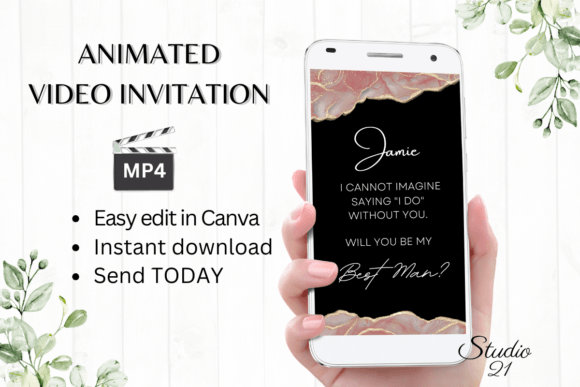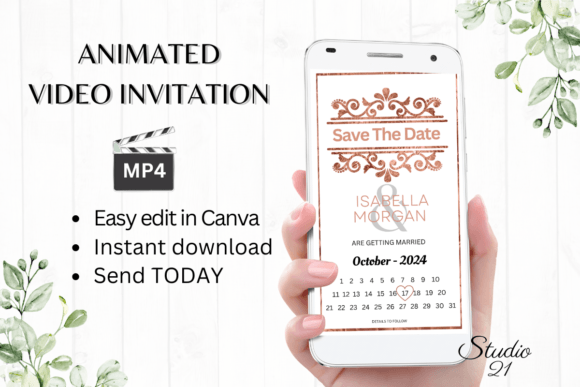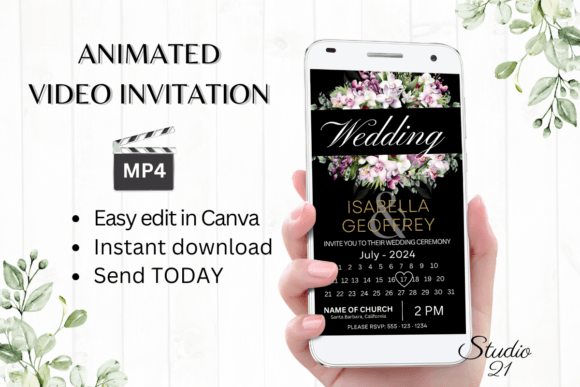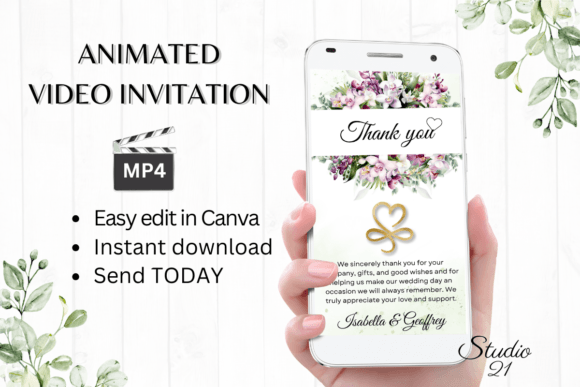
Minimalist Save the Date W2922B: A Guide to Digital Invitations
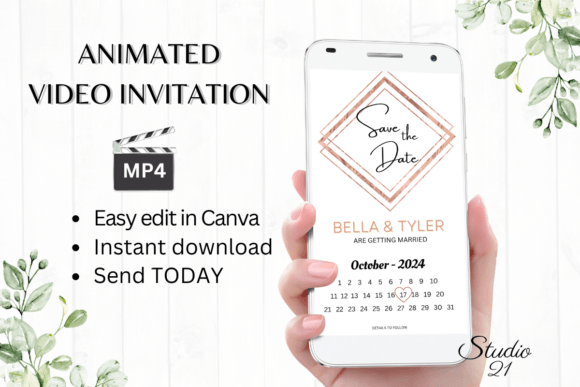
When it comes to announcing a major life event, the delivery method is just as important as the message itself. In an era dominated by digital communication, the Minimalist Save the Date W2922B template offers a bridge between high-end design and instant accessibility. This isn't just a static image; it is a dynamic, animated video invitation designed to be edited in Canva and sent via social media or messaging apps. For designers, event planners, and content creators, this template represents a shift in how we approach modern typography and motion graphics, providing a professional result without the steep learning curve of software like After Effects.
Visual Identity and Motion Design
The "Minimalist" label in the Minimalist Save the Date W2922B is a deliberate design choice. The aesthetic relies on negative space, clean lines, and a restrained color palette. This creates a sophisticated atmosphere that works for a wide variety of events, from weddings to corporate launches. The animation style is subtle; rather than flashy transitions that distract, the movement guides the viewer's eye. Text elements fade in and out with grace, ensuring that the details—the date, the time, the location—remain the focal point. This approach to digital design prioritizes clarity over noise, making it an excellent tool for brand identity work where elegance is key.
Customizing Your Evite in Canva
One of the primary benefits of this asset is the lack of required software downloads. You do not need to be a motion graphics expert to use the Minimalist Save the Date W2922B. Once you access the link provided in the PDF, you are taken directly into Canva's interface. Here, the customization options are extensive. You can manipulate the font style, changing the weight and size to match the tone of your event. If the default serif font feels too traditional, you can swap it for a sans serif font to create a more modern look. You can also adjust the animation styles, choosing between different entrance and exit effects for your text layers.
Practical Applications Beyond Weddings
While "Save the Date" implies a wedding context, the versatility of the Minimalist Save the Date W2922B extends much further. Entrepreneurs and marketers can repurpose this template for product launch announcements or webinar invites. Bloggers and content creators might use it to tease upcoming content drops or community meetups. The visual hierarchy established by the animation ensures that even if you change the context to a business event, the information remains readable and impactful. It serves as a design asset that adapts to your specific needs, whether personal or commercial.
Sharing and Distribution
The workflow for sharing the final product is streamlined for the modern user. Once you have finished editing the Minimalist Save the Date W2922B template, you download it as an MP4 file. This format is universally compatible with messaging services like WhatsApp, iMessage, and Messenger. It also integrates seamlessly into social media feeds and stories. For those who prefer email, the file can be attached directly or shared via a Canva link. This flexibility ensures that your brand consistency is maintained across all platforms, from a desktop email client to a mobile screen.
Design Considerations and Typography
When working with the Minimalist Save the Date W2922B, pay attention to the font pairing. The template provides a starting point, but if you are building a suite of materials, consider how the typeface used here interacts with your other design assets. Because the template allows for color and text effect changes, it is a strong candidate for matching existing brand identity guidelines. The resolution (1080x1920 px) is optimized for vertical viewing, which is standard for mobile devices and social media stories. This attention to technical detail ensures that your invitation looks crisp and professional on any screen, reinforcing the professionalism of your message.
Why Digital Templates Save Time
The efficiency of using a pre-animated template like the Minimalist Save the Date W2922B cannot be overstated. Traditional design processes often involve back-and-forth proofs and waiting periods. By using this template, you eliminate the wait time. You have immediate access to edit, meaning you can react to changing dates or details instantly. This is particularly valuable for small business owners who need to move quickly. The ability to personalize the content on a mobile device also means you can make quick adjustments on the go, ensuring your marketing materials are always up to date.